 Jake Turner
2d6290bab1
Jake Turner
2d6290bab1
Captures can be manually triggered from renderdoccmd capture <application> using F12 or from the UI on the in-development Metal replay branch.
The captures can be loaded and replayed on the in-development Metal replay branch.

The command buffer tracking and serialization are done by GPU submission order which is not necessarily the same as CPU commit order. The command buffer tracking for GPU submission order is currently using an rdcarray, this might change in the future to use a linked list if the performance of appending and deleting from the rdcarray becomes a performance bottleneck.

Does not include support for the presented MTLDrawable ie.
* Thumbnail generation of the final presented image.
* Serializing the presented texture ID.

Does not include support for initial state data.
No MTLBuffer data contents are serialized.

There is a lot missing and a lot of TODOs.
This is the basic structure for capturing which is then built upon.

Includes:
* register the Metal device as a frame capturer ie. AddDeviceFrameCapturer
* logic for triggering captures at Present ie. AddActiveDriver, StartFrameCapture, EndFrameCapture.
* Stopped declaring MetalResourceManager as a friend of WrappedMTLDevice which meant making the initial state-related APIs public instead of private.
* IFrameCapturer interface APIs
* Command buffer tracking for including in the output capture CaptureCmdBufCommit and CaptureCmdBufEnqueue.
* Serialise_MTLCreateSystemDefaultDevice(SerialiserType &ser)
* A helper class MetalCapturer which is derived from IFrameCapturer and registered with the RenderDoc instance. This is because Wrapped Metal classes can't have virtual tables as a requirement for how the C++ and Objective C overlay is implemented.
* The frame capture chunk and API AddFrameCaptureRecordChunk
* MetalInitParams data and serialization.

Helper Methods and Members in MTLDevice
* WaitForGPU()
* MTL::CommandQueue *m_mtlCommandQueue which is used to implement WaitForGPU()
* CaptureClearSubmittedCmdBuffers() & CaptureCmdBufSubmit()
* RegisterMetalLayer() & UnregisterMetalLayer() used to track active Metal swapchains

Details on the memory lifetime for WrappedMTLCommandBuffer

retain the real resource in WrappedMTLCommandBuffer::commit()
release the real resource when no longer needed to be tracked: for background capture in during WrappedMTLDevice::CaptureCmdBufSubmit, for active capture in WrappedMTLDevice::EndFrameCapture.

During capture (Background or Active)
* AddRef() record when command buffer is enqueued (explicit or implicit)
* Delete() record at end of command buffer submit

During Active capture
* AddRef() record in command buffer submit
* Delete() submitted command buffers as part of finalizing the capture

Added TrackedCAMetalLayer & ObjCTrackedCAMetalLayer to track the lifetime of CA::MetalLayer.
The CA::MetalLayer is tracked in the hook for CAMetalLayer::nextDrawable(), with ObjCTrackedCAMetalLayer set as an association to the CAMetalLayer. Then ObjCTrackedCAMetalLayer::dealloc() triggers ending the tracking.




RenderDoc is a frame-capture based graphics debugger, currently available for Vulkan, D3D11, D3D12, OpenGL, and OpenGL ES development on Windows 7 - 10, Linux, Android, Stadia, and Nintendo Switch™. It is completely open-source under the MIT license.
If you have any questions, suggestions or problems or you can create an issue here on github, email me directly or come into IRC or Discord to discuss it.
To install on windows run the appropriate installer for your OS (64-bit | 32-bit) or download the portable zip from the builds page. The 64-bit windows build fully supports capturing from 32-bit programs. On linux only 64-bit x86 is supported - there is a precompiled binary tarball available, or your distribution may package it. If not you can build from source.
- Downloads: Stable and nightly builds: https://renderdoc.org/builds ( Symbol server )
- Documentation: HTML online, CHM in builds, Videos
- Contact: baldurk@baldurk.org, #renderdoc on OFTC IRC, Discord server
- Code of Conduct: Contributor Covenant
- Information for contributors: All contribution information, Compilation instructions
- Community extensions: Extensions repository
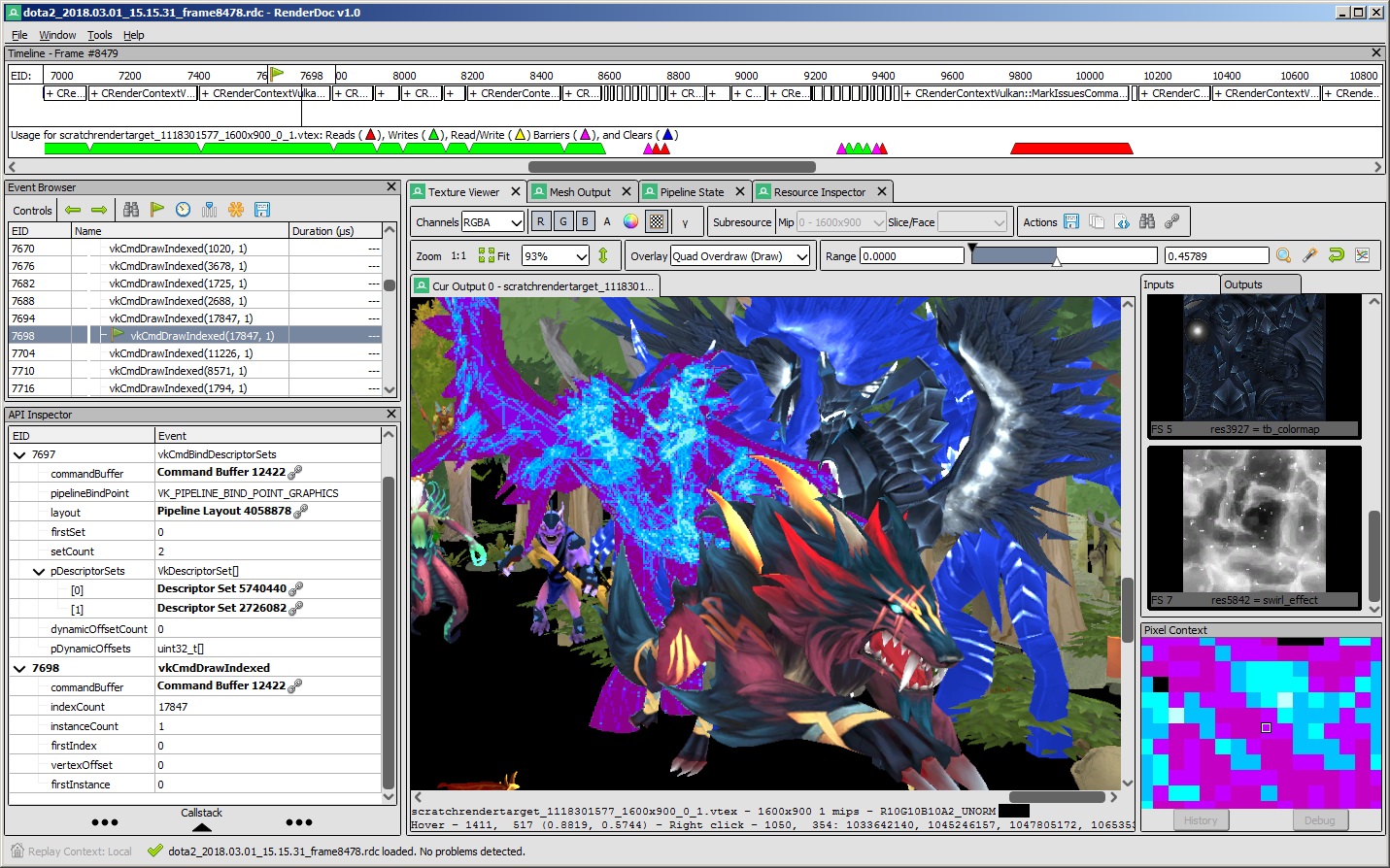
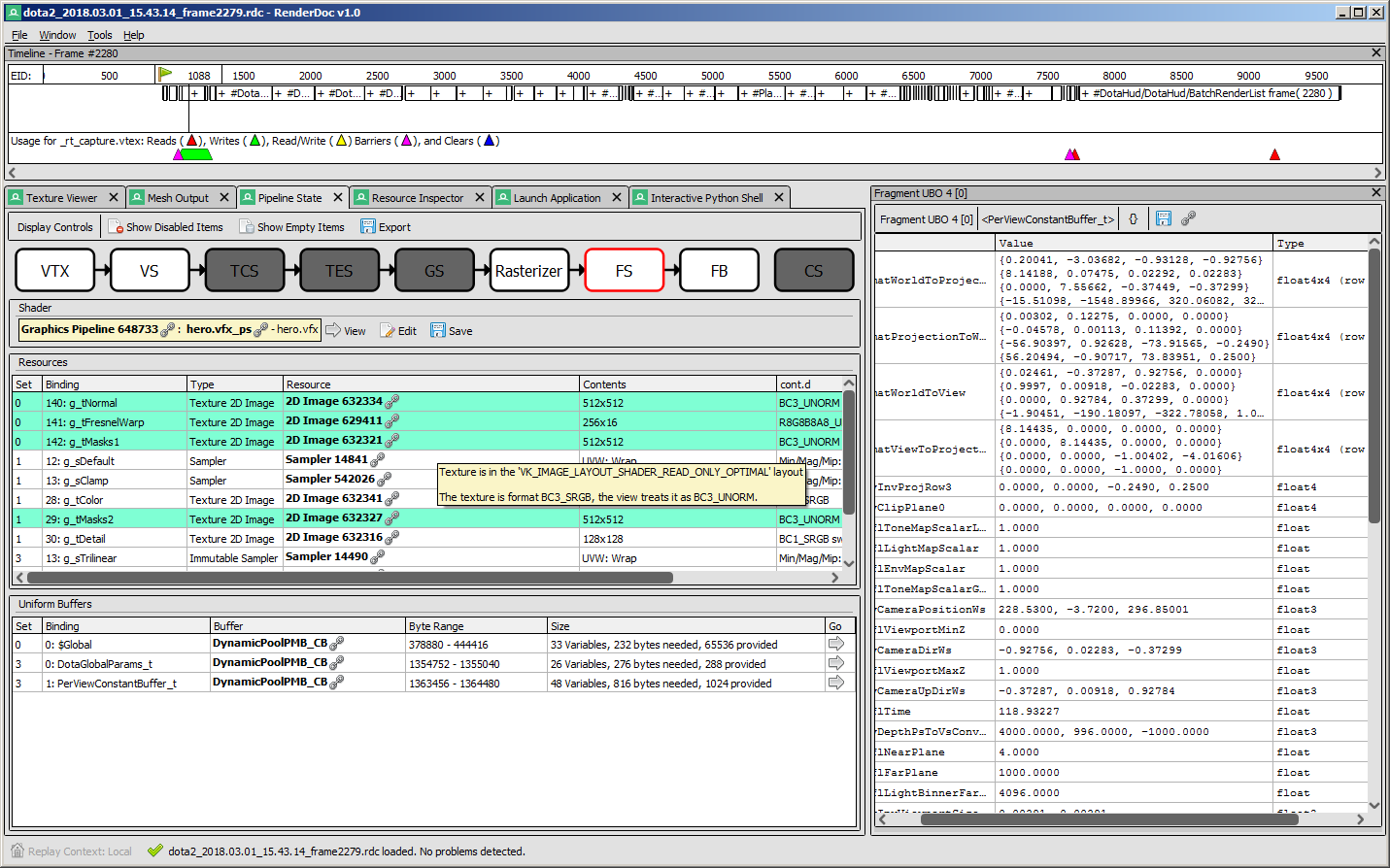
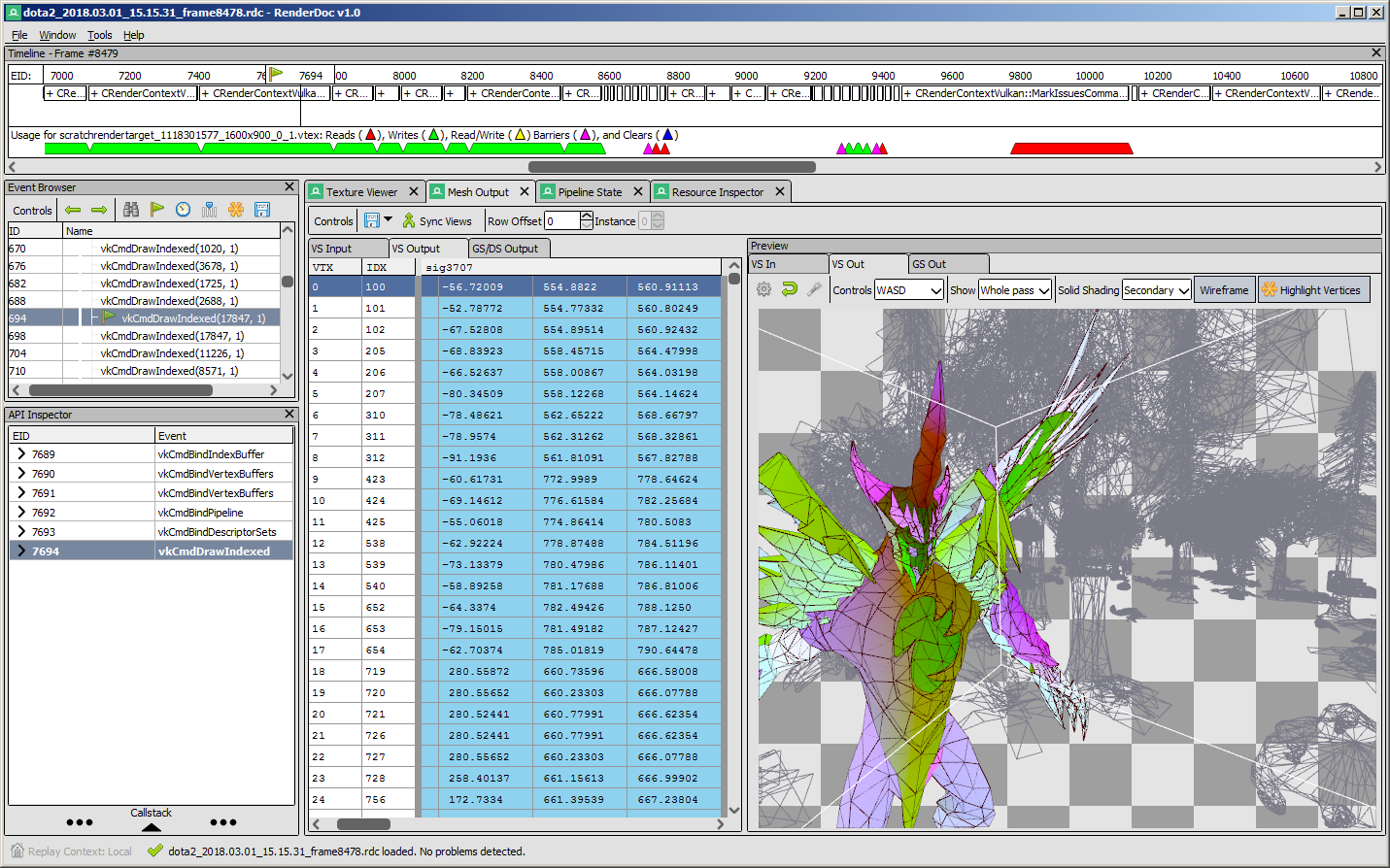
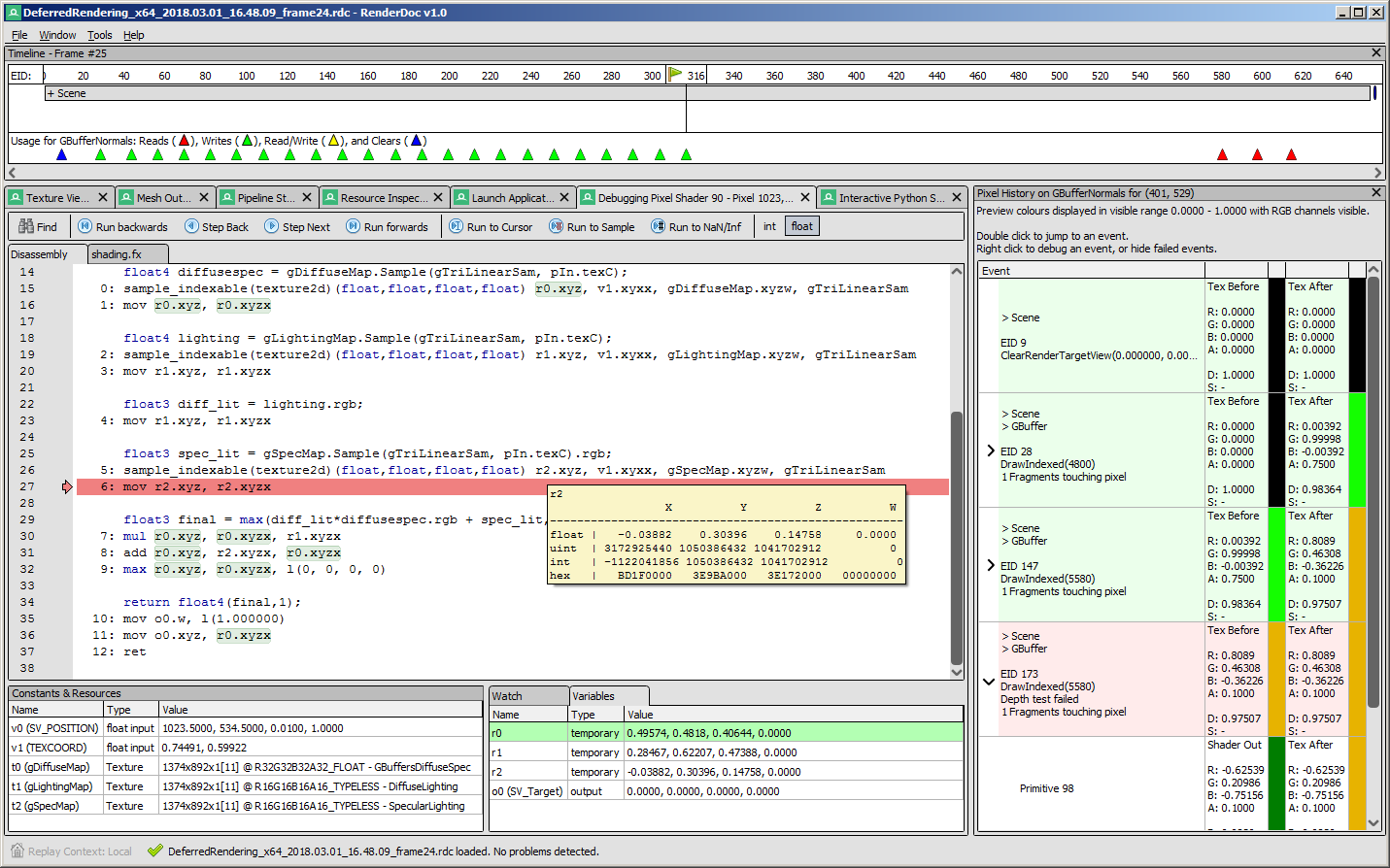
Screenshots
 |
 |
|---|---|
 |
 |
API Support
| Windows | Linux | Android | Stadia | |
|---|---|---|---|---|
| Vulkan | ✔️ | ✔️ | ✔️ | ✔️ |
| OpenGL ES 2.0 - 3.2 | ✔️ | ✔️ | ✔️ | N/A |
| OpenGL 3.2 - 4.6 Core | ✔️ | ✔️ | N/A | N/A |
| D3D11 & D3D12 | ✔️ | N/A | N/A | N/A |
| OpenGL 1.0 - 2.0 Compat | ✖️ | ✖️ | N/A | N/A |
| D3D9 & 10 | ✖️ | N/A | N/A | N/A |
| Metal | N/A | N/A | N/A | N/A |
- Nintendo Switch™ support is distributed separately for authorized developers as part of the NintendoSDK. For more information, consult the Nintendo Developer Portal.
Downloads
There are binary releases available, built from the release targets. If you just want to use the program and you ended up here, this is what you want :).
It's recommended that if you're new you start with the stable builds. Nightly builds are available every day from the v1.x branch here if you need it, but correspondingly may be less stable.
Documentation
The text documentation is available online for the latest stable version, as well as in renderdoc.chm in any build. It's built from restructured text with sphinx.
As mentioned above there are some youtube videos showing the use of some basic features and an introduction/overview.
There is also a great presentation by @Icetigris which goes into some details of how RenderDoc can be used in real world situations: slides are up here.
License
RenderDoc is released under the MIT license, see LICENSE.md for full text as well as 3rd party library acknowledgements.
Compiling
Building RenderDoc is fairly straight forward on most platforms. See Compiling.md for more details.
Contributing & Development
I've added some notes on how to contribute, as well as where to get started looking through the code in Developing-Change.md. All contribution information is available under CONTRIBUTING.md.