 baldurk
fbe4bca6fb
baldurk
fbe4bca6fb
* Skia had a bug (which has been fixed) where it would incorrectly check for
  glGetError() to see if glProgramBinary() had succeeded. This is completely
  wrong and it should be checking the link status. When RenderDoc silently
  dropped the function call to leave the link status as invalid, Skia deleted
  the program and then tried to use it anyway leading to incorrect rendering.
* Potential other fixes in order of preference:
  - Spec-compliant: Return a random program binary format each time the
    program runs. This should prevent a correctly-written program from
    re-using cached binaries, but of course Skia ignores the binary format
    and uploads it anyway. We'd hit the same broken error check and we're
    back to square one.
  - Spec-compliant: Write a program binary format of our own that embeds all
    the shader source and replays it again. Would be valid and work, but is
    very complex.
  - Non-spec-compliant: Fake the error code that Skia is looking for. In a
    program which is written correctly we then poison glGetError() and cause
    unpredictable and possibly serious errors elsewhere.
* Instead we just return 0 for GL_NUM_PROGRAM_BINARY_FORMATS on Android, and
  Skia turns off its caching entirely. This is not spec-compliant either since
  the spec requires at least one format in the list that is returned by
  glGetProgramBinary, but if the Android OS is going to break the spec at us
  then we'll break it right back.
* Bottom-line: Android is an absolutely horrible operating system that is broken
  at every turn and no-one should be forced to deal with it.




RenderDoc is a frame-capture based graphics debugger, currently available for Vulkan, D3D11, D3D12, OpenGL, and OpenGL ES development on Windows 7 - 10, Linux, Android, Stadia, and Nintendo Switch™. It is completely open-source under the MIT license.
If you have any questions, suggestions or problems or you can create an issue here on github, email me directly or come into IRC or Discord to discuss it.
To install on windows run the appropriate installer for your OS (64-bit | 32-bit) or download the portable zip from the builds page. The 64-bit windows build fully supports capturing from 32-bit programs. On linux there is a binary tarball available, or your distribution may package it. If not you can build from source.
- Downloads: Stable and nightly builds: https://renderdoc.org/builds ( Symbol server )
- Documentation: HTML online, CHM in builds, Videos
- Contact: baldurk@baldurk.org, #renderdoc on freenode IRC, Discord server
- Code of Conduct: Contributor Covenant
- Information for contributors: All contribution information, Compilation instructions, Roadmap
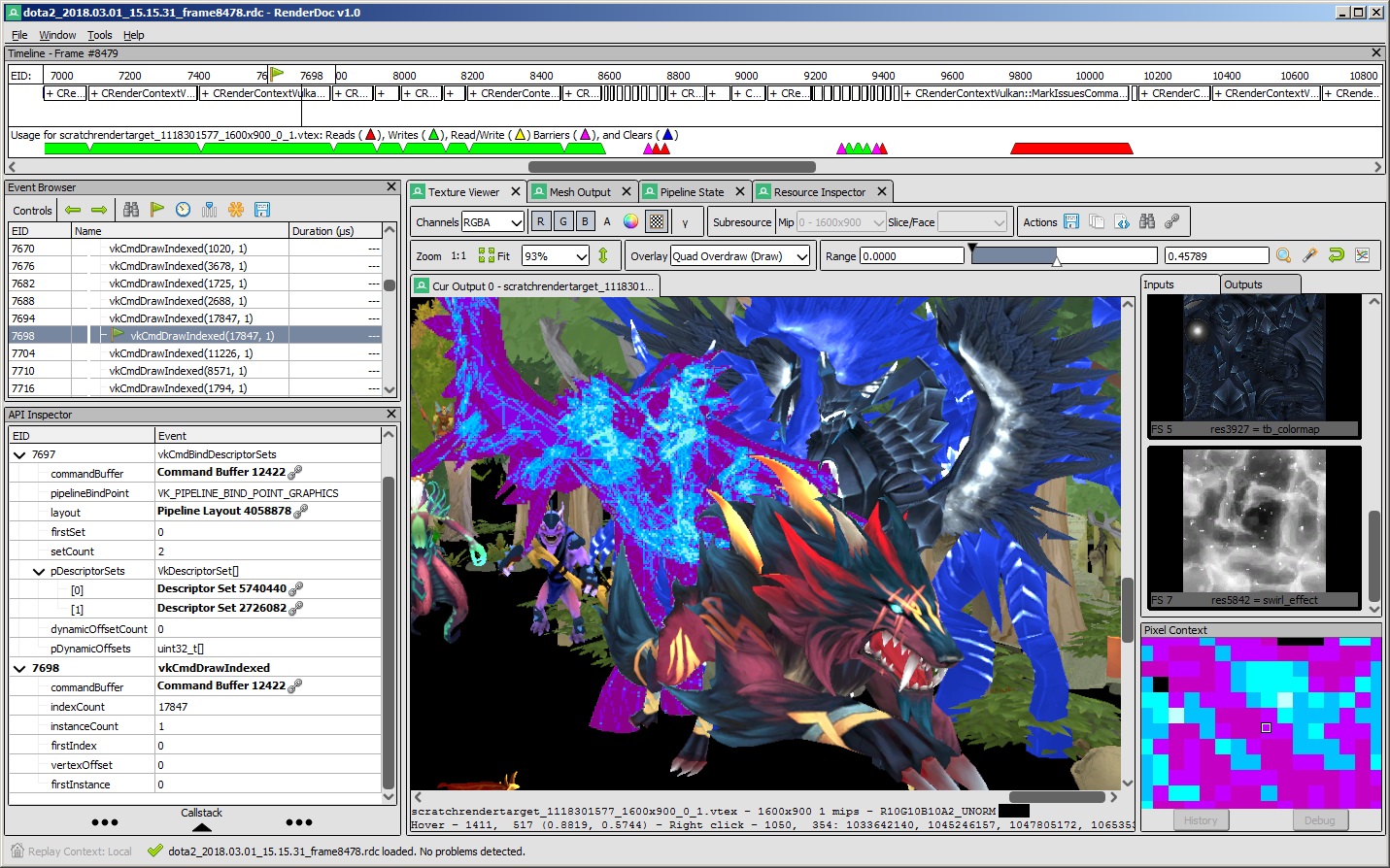
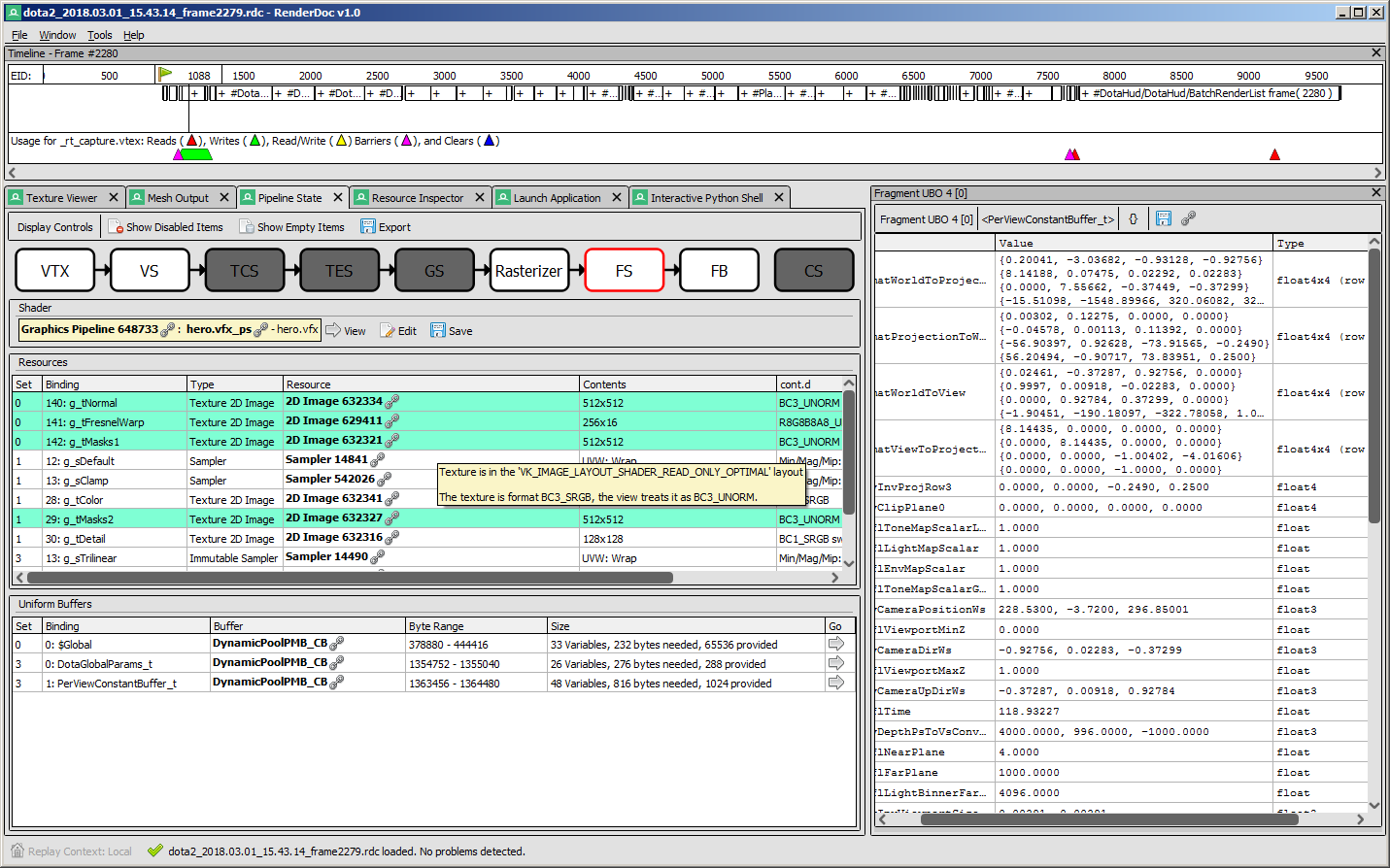
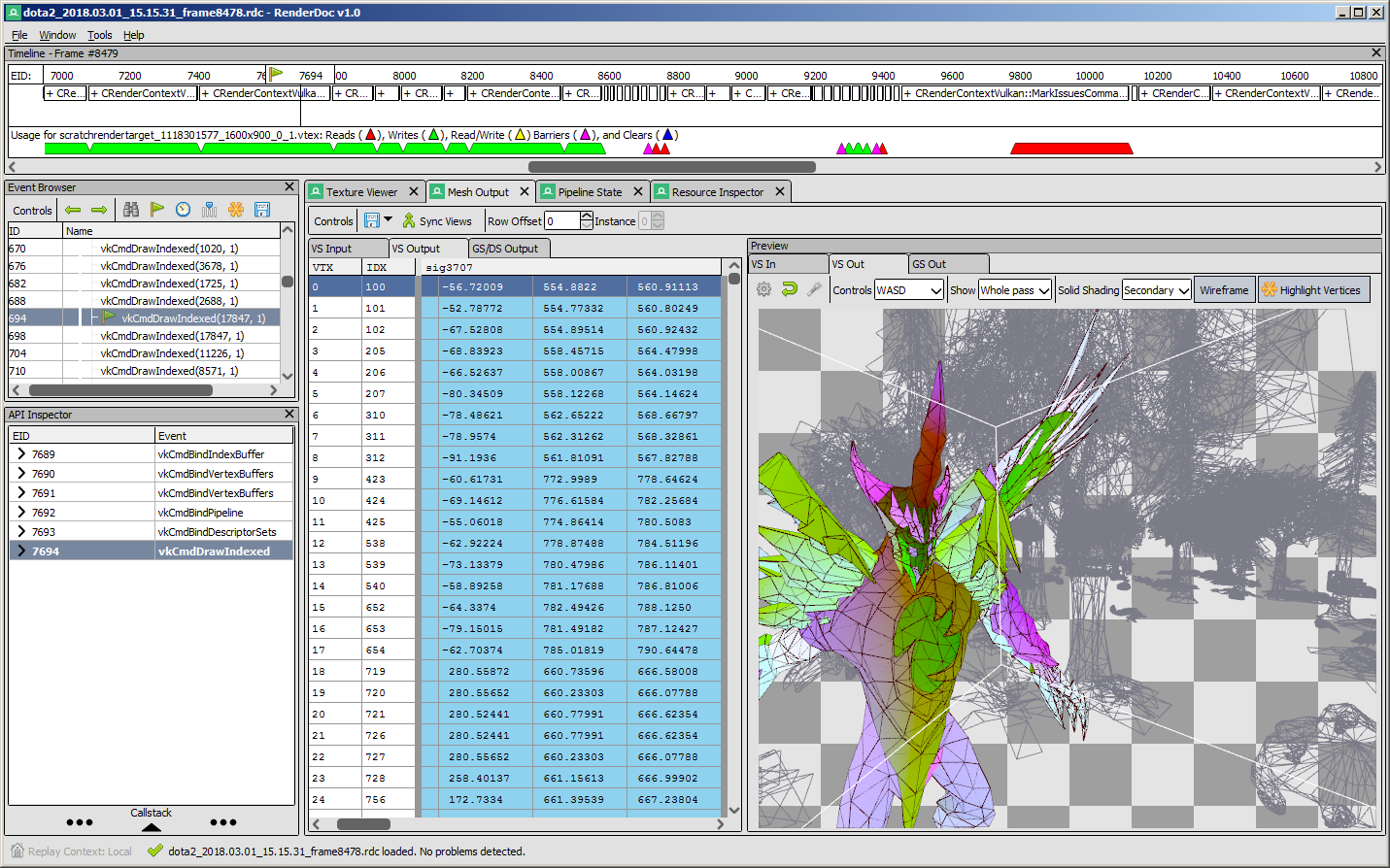
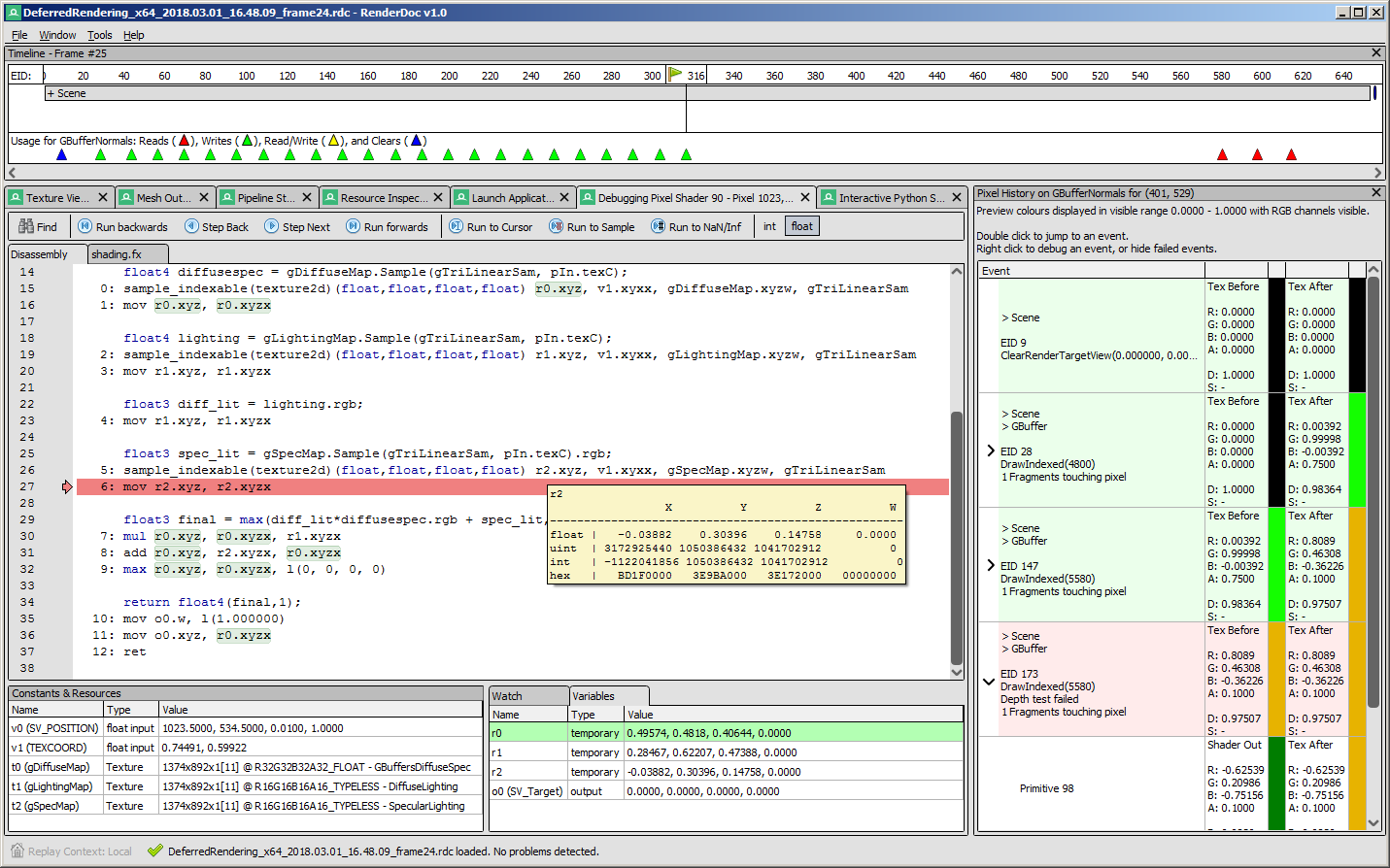
Screenshots
 |
 |
|---|---|
 |
 |
API Support
| Windows | Linux | Android | Stadia | |
|---|---|---|---|---|
| Vulkan | ✔️ | ✔️ | ✔️ | ✔️ |
| OpenGL ES 2.0 - 3.2 | ✔️ | ✔️ | ✔️ | N/A |
| OpenGL 3.2 - 4.6 Core | ✔️ | ✔️ | N/A | N/A |
| D3D11 & D3D12 | ✔️ | N/A | N/A | N/A |
| OpenGL 1.0 - 2.0 Compat | ✖️ | ✖️ | N/A | N/A |
| D3D9 & 10 | ✖️ | N/A | N/A | N/A |
| Metal | N/A | N/A | N/A | N/A |
- Nintendo Switch™ support is distributed separately for authorized developers as part of the NintendoSDK. For more information, consult the Nintendo Developer Portal.
Downloads
There are binary releases available, built from the release targets. If you just want to use the program and you ended up here, this is what you want :).
It's recommended that if you're new you start with the stable builds. Nightly builds are available every day from the v1.x branch here if you need it, but correspondingly may be less stable.
Documentation
The text documentation is available online for the latest stable version, as well as in renderdoc.chm in any build. It's built from restructured text with sphinx.
As mentioned above there are some youtube videos showing the use of some basic features and an introduction/overview.
There is also a great presentation by @Icetigris which goes into some details of how RenderDoc can be used in real world situations: slides are up here.
License
RenderDoc is released under the MIT license, see LICENSE.md for full text as well as 3rd party library acknowledgements.
Compiling
Building RenderDoc is fairly straight forward on most platforms. See Compiling.md for more details.
Contributing & Development
I've added some notes on how to contribute, as well as where to get started looking through the code in Developing-Change.md. All contribution information is available under CONTRIBUTING.md.