 RustDeskandClaude Opus 5
9aeb54cf33
RustDeskandClaude Opus 5
9aeb54cf33
* fix(flutter/windows): heal the white window left by a resize around the first frame

If the window is resized between the creation of the Flutter surface and
the present of the first frame - which is what the PowerToys FancyZones
option "Move newly created windows to their last known zone" does - the
embedder's resize synchronization enters kResizeStarted and from then on
only presents frames that match the new size. A frame already generated
for the old size is rejected, nothing schedules a matching one, and the
window stays white until a real resize re-enters OnWindowSizeChanged,
which resets the resize target and resends the window metrics. Sciter is
unaffected: it repaints synchronously on WM_PAINT and has no such
handshake. Upstream has no fix (flutter/flutter#159630, open at P3).

Recover with a timer armed at creation and re-armed on WM_SHOWWINDOW
(covers windows created hidden and shown much later, e.g. the connection
manager): until the first frame arrives, kick the engine - first with
the cheap ForceRedraw(), which only helps when no resize is pending (it
is gated on resize_status_ == kDone), then by nudging the Flutter child
window by 1px and back, which re-enters OnWindowSizeChanged and heals
the wedge the same way minimize/restore does. Because the first-frame
callback fires on frame generation even when the present is rejected, a
resize observed before the first frame forces one final child refresh -
in practice nearly every window sees a pre-first-frame WM_SIZE, so this
acts as a cheap unconditional guarantee. Giving up after 5s is logged.

The remote session windows get the same fix in
rustdesk_desktop_multi_window.

https://github.com/rustdesk/rustdesk/issues/6756

Co-Authored-By: Claude Fable 5 <noreply@anthropic.com>

* chore(flutter): bump desktop_multi_window for the white-window fix

Picks up rustdesk-org/rustdesk_desktop_multi_window#33 (340ca43), the
session-window side of the FancyZones white-window workaround. Only the
resolved-ref of this one dependency is moved; nothing else is upgraded.

https://github.com/rustdesk/rustdesk/issues/6756

Co-Authored-By: Claude Fable 5 <noreply@anthropic.com>

* fix(flutter/windows): drop a dead guard and log where users can see it

Two follow-ups on the force-redraw timer.

The resized_before_first_frame_ guard never discriminated. CreateWindow()
sends a WM_SIZE before it returns, and WM_NCCREATE has already installed the
window pointer by then, so the flag was set during construction - before
OnCreate() even arms the timer - and was therefore always true when the first
frame arrived. Drop the flag and do the final child refresh unconditionally,
which is what the code already did, and say so instead of implying there is an
exceptional case.

The give-up message went to std::cerr, which lands nowhere on the machines
that hit this: main.cpp only attaches a console when the process is started
from one or runs under a debugger. Use OutputDebugString so it is actually
readable with DebugView in the field.

Also note in the comment that the "callback fires on frame generation" premise
is not load-bearing - if it only fired on a successful present, the timer would
simply keep nudging - so the redundancy is not mistaken for duplication and
removed later.

Co-Authored-By: Claude Opus 5 (1M context) <noreply@anthropic.com>

* chore(flutter): bump desktop_multi_window to pick up the follow-ups

Moves the pin from the #33 merge (340ca43) to current master (f8c4fce),
which adds #34: the dead resized_before_first_frame_ guard is gone and the
give-up message goes to OutputDebugString instead of a stderr nobody sees.

Keeps the sub-window fix in step with the runner fix in this branch; without
it the two would ship the same logic in two different states.

Edited by hand, not via pub upgrade - that re-resolves unrelated packages.

Co-Authored-By: Claude Opus 5 (1M context) <noreply@anthropic.com>

---------

Co-authored-by: Claude Fable 5 <noreply@anthropic.com>

Build •
Docker •
Structure •
Snapshot
[Українська] | [česky] | [中文] | [Magyar] | [Español] | [فارسی] | [Français] | [Deutsch] | [Polski] | [Indonesian] | [Suomi] | [മലയാളം] | [日本語] | [Nederlands] | [Italiano] | [Русский] | [Português (Brasil)] | [Esperanto] | [한국어] | [العربي] | [Tiếng Việt] | [Dansk] | [Ελληνικά] | [Türkçe] | [Norsk] | [Română]
We need your help to translate this README, RustDesk UI and RustDesk Doc to your native language
Caution
Misuse Disclaimer:
The developers of RustDesk do not condone or support any unethical or illegal use of this software. Misuse, such as unauthorized access, control or invasion of privacy, is strictly against our guidelines. The authors are not responsible for any misuse of the application.
Chat with us: Discord | Twitter | Reddit | YouTube

Yet another remote desktop solution, written in Rust. Works out of the box with no configuration required. You have full control of your data, with no concerns about security. You can use our rendezvous/relay server, set up your own, or write your own rendezvous/relay server.
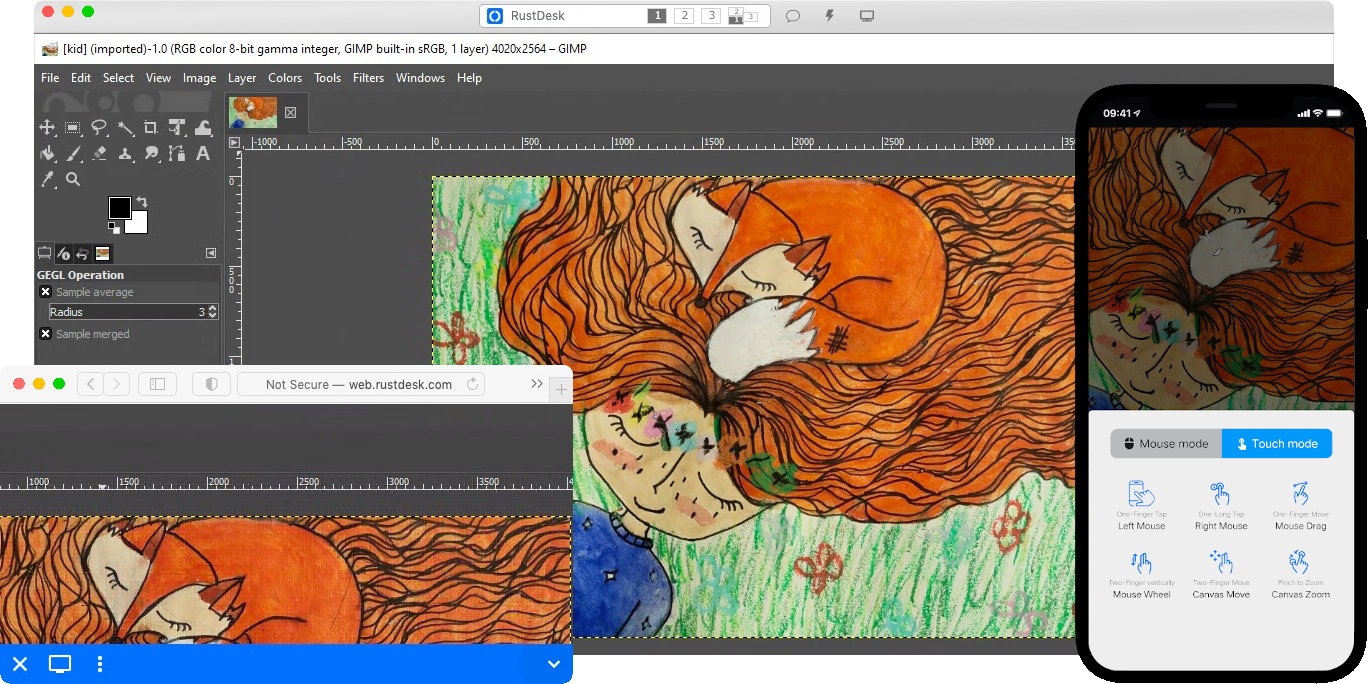
RustDesk welcomes contribution from everyone. See CONTRIBUTING.md for help getting started.

Dependencies
Desktop versions use Flutter or Sciter (deprecated) for GUI, this tutorial is for Sciter only, since it is easier and more friendly to start. Check out our CI for building Flutter version.
Please download Sciter dynamic library yourself.
Raw Steps to build
-
Prepare your Rust development env and C++ build env
-
Install vcpkg, and set
VCPKG_ROOTenv variable correctly- Windows: vcpkg install libvpx:x64-windows-static libyuv:x64-windows-static opus:x64-windows-static aom:x64-windows-static
- Linux/macOS: vcpkg install libvpx libyuv opus aom
-
run
cargo run
Build
How to Build on Linux
Ubuntu 18 (Debian 10)
sudo apt install -y zip g++ gcc git curl wget nasm yasm libgtk-3-dev clang libxcb-randr0-dev libxdo-dev \
        libxfixes-dev libxcb-shape0-dev libxcb-xfixes0-dev libasound2-dev libpulse-dev cmake make \
        libclang-dev ninja-build libgstreamer1.0-dev libgstreamer-plugins-base1.0-dev libpam0g-dev
openSUSE Tumbleweed
sudo zypper install gcc-c++ git curl wget nasm yasm gcc gtk3-devel clang libxcb-devel libXfixes-devel cmake alsa-lib-devel gstreamer-devel gstreamer-plugins-base-devel xdotool-devel pam-devel
Fedora 28 (CentOS 8)
sudo yum -y install gcc-c++ git curl wget nasm yasm gcc gtk3-devel clang libxcb-devel libxdo-devel libXfixes-devel pulseaudio-libs-devel cmake alsa-lib-devel gstreamer1-devel gstreamer1-plugins-base-devel pam-devel
Arch (Manjaro)
sudo pacman -Syu --needed unzip git cmake gcc curl wget yasm nasm zip make pkg-config clang gtk3 xdotool libxcb libxfixes alsa-lib pipewire
Install vcpkg
git clone https://github.com/microsoft/vcpkg
cd vcpkg
git checkout 2023.04.15
cd ..
vcpkg/bootstrap-vcpkg.sh
export VCPKG_ROOT=$HOME/vcpkg
vcpkg/vcpkg install libvpx libyuv opus aom
Fix libvpx (For Fedora)
cd vcpkg/buildtrees/libvpx/src
cd *
./configure
sed -i 's/CFLAGS+=-I/CFLAGS+=-fPIC -I/g' Makefile
sed -i 's/CXXFLAGS+=-I/CXXFLAGS+=-fPIC -I/g' Makefile
make
cp libvpx.a $HOME/vcpkg/installed/x64-linux/lib/
cd
Build
curl --proto '=https' --tlsv1.2 -sSf https://sh.rustup.rs | sh
source $HOME/.cargo/env
git clone --recurse-submodules https://github.com/rustdesk/rustdesk
cd rustdesk
mkdir -p target/debug
wget https://raw.githubusercontent.com/c-smile/sciter-sdk/master/bin.lnx/x64/libsciter-gtk.so
mv libsciter-gtk.so target/debug
VCPKG_ROOT=$HOME/vcpkg cargo run
How to build with Docker
Begin by cloning the repository and building the Docker container:
git clone https://github.com/rustdesk/rustdesk
cd rustdesk
git submodule update --init --recursive
docker build -t "rustdesk-builder" .
Then, each time you need to build the application, run the following command:
docker run --rm -it -v $PWD:/home/user/rustdesk -v rustdesk-git-cache:/home/user/.cargo/git -v rustdesk-registry-cache:/home/user/.cargo/registry -e PUID="$(id -u)" -e PGID="$(id -g)" rustdesk-builder
Note that the first build may take longer before dependencies are cached, subsequent builds will be faster. Additionally, if you need to specify different arguments to the build command, you may do so at the end of the command in the <OPTIONAL-ARGS> position. For instance, if you wanted to build an optimized release version, you would run the command above followed by --release. The resulting executable will be available in the target folder on your system, and can be run with:
target/debug/rustdesk
Or, if you're running a release executable:
target/release/rustdesk
Please ensure that you run these commands from the root of the RustDesk repository, or the application may not find the required resources. Also note that other cargo subcommands such as install or run are not currently supported via this method as they would install or run the program inside the container instead of the host.
File Structure
- libs/hbb_common: video codec, config, tcp/udp wrapper, protobuf, fs functions for file transfer, and some other utility functions
- libs/scrap: screen capture
- libs/enigo: platform specific keyboard/mouse control
- libs/clipboard: file copy and paste implementation for Windows, Linux, macOS.
- src/ui: obsolete Sciter UI (deprecated)
- src/server: audio/clipboard/input/video services, and network connections
- src/client.rs: start a peer connection
- src/rendezvous_mediator.rs: Communicate with rustdesk-server, wait for remote direct (TCP hole punching) or relayed connection
- src/platform: platform specific code
- flutter: Flutter code for desktop and mobile
- flutter/web/js: JavaScript for Flutter web client