 KernelDeimos
3a7314d119
KernelDeimos
3a7314d119
This still needs to be tested. I was going to test this using the `test`
command registered by BroadcastService that exists for this purpose but
`dev.sock` doesn't seem to be working anymore.

Why wasn't `dev.sock` working? Well... we deleted all the code that
makes it work. Why did we delete it? That question isn't a setup for my
next statement; I genuinely do not know. The whole point of dev.sock was
so we could remove the dev console but still maintain support for this
commandline interface that's absolutely needed for testing things that
aren't accesible directly from Puter's GUI.

The Internet OS! Free, Open-Source, and Self-Hostable.
« LIVE DEMO »
Puter.com
·
App Store
·
Developers
·
CLI
·
Discord
·
Reddit
·
X
Puter
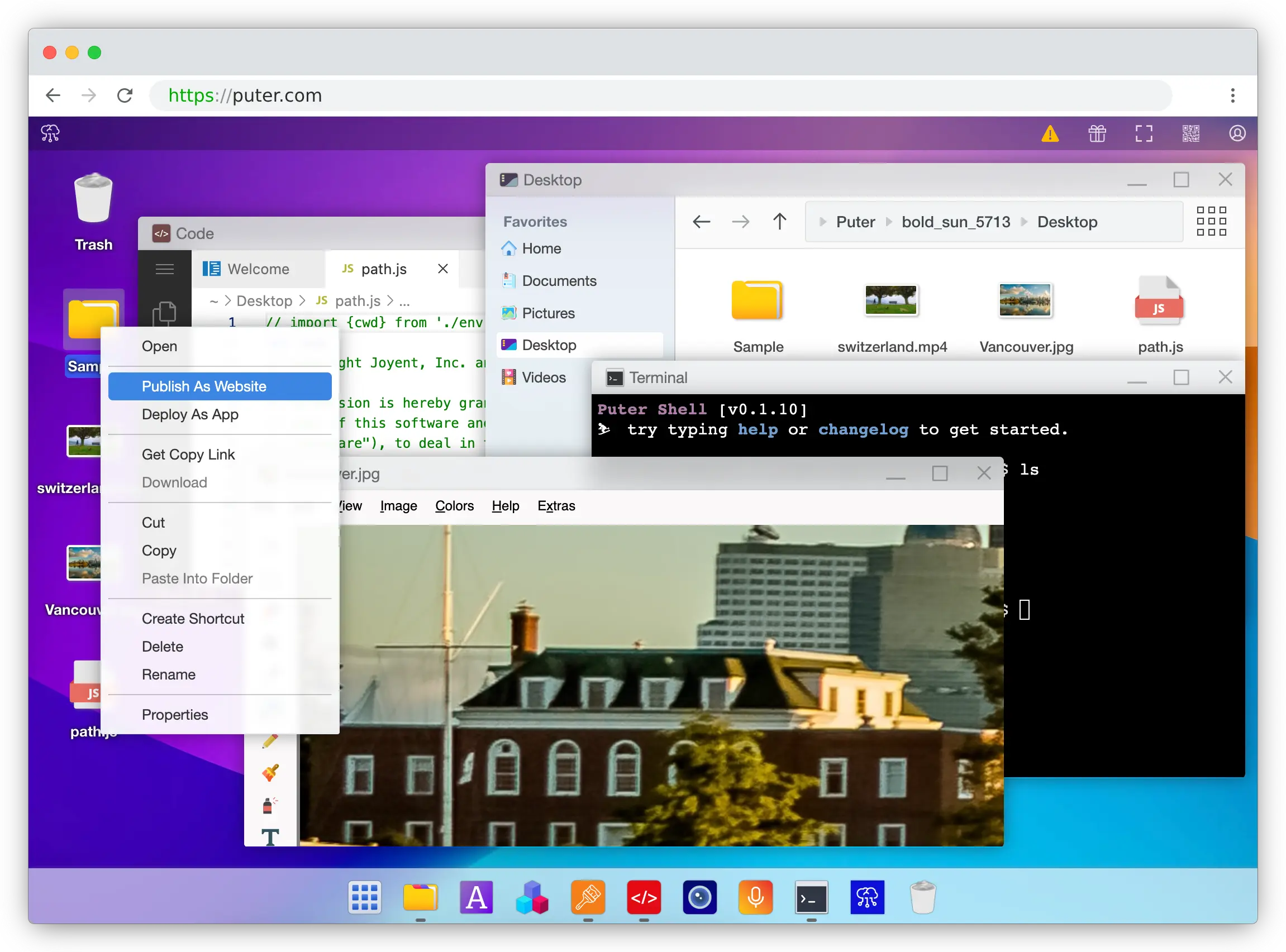
Puter is an advanced, open-source internet operating system designed to be feature-rich, fast, and highly extensible. Puter can be used as:
- A privacy-first personal cloud to keep all your files, apps, and games in one secure place, accessible from anywhere at any time.
- A platform for building and publishing websites, web apps, and games.
- An alternative to Dropbox, Google Drive, OneDrive, etc. with a fresh interface and powerful features.
- A remote desktop environment for servers and workstations.
- A friendly, open-source project and community to learn about web development, cloud computing, distributed systems, and much more!
Getting Started
💻 Local Development
git clone https://github.com/HeyPuter/puter
cd puter
npm install
npm start
→ This should launch Puter at http://puter.localhost:4100 (or the next available port).
If this does not work, see First Run Issues for troubleshooting steps.
🐳 Docker
mkdir puter && cd puter && mkdir -p puter/config puter/data && sudo chown -R 1000:1000 puter && docker run --rm -p 4100:4100 -v `pwd`/puter/config:/etc/puter -v `pwd`/puter/data:/var/puter ghcr.io/heyputer/puter
→ This should launch Puter at http://puter.localhost:4100 (or the next available port).
🐙 Docker Compose
Linux/macOS
mkdir -p puter/config puter/data
sudo chown -R 1000:1000 puter
wget https://raw.githubusercontent.com/HeyPuter/puter/main/docker-compose.yml
docker compose up
→ This should be available at http://puter.localhost:4100 (or the next available port).
Windows
mkdir -p puter
cd puter
New-Item -Path "puter\config" -ItemType Directory -Force
New-Item -Path "puter\data" -ItemType Directory -Force
Invoke-WebRequest -Uri "https://raw.githubusercontent.com/HeyPuter/puter/main/docker-compose.yml" -OutFile "docker-compose.yml"
docker compose up
→ This should launch Puter at http://puter.localhost:4100 (or the next available port).
🚀 Self-Hosting
For detailed guides on self-hosting Puter, including configuration options and best practices, see our Self-Hosting Documentation.
☁️ Puter.com
Puter is available as a hosted service at puter.com.
System Requirements
- Operating Systems: Linux, macOS, Windows
- RAM: 2GB minimum (4GB recommended)
- Disk Space: 1GB free space
- Node.js: Version 24+
- npm: Latest stable version
Support
Connect with the maintainers and community through these channels:
- Bug report or feature request? Please open an issue.
- Discord: discord.com/invite/PQcx7Teh8u
- X (Twitter): x.com/HeyPuter
- Reddit: reddit.com/r/puter/
- Mastodon: mastodon.social/@puter
- Security issues? security@puter.com
- Email maintainers at hi@puter.com
We are always happy to help you with any questions you may have. Don't hesitate to ask!
License
This repository, including all its contents, sub-projects, modules, and components, is licensed under AGPL-3.0 unless explicitly stated otherwise. Third-party libraries included in this repository may be subject to their own licenses.
Translations
- Arabic / العربية
- Armenian / Հայերեն
- Bengali / বাংলা
- Chinese / 中文
- Danish / Dansk
- English
- Farsi / فارسی
- Finnish / Suomi
- French / Français
- German / Deutsch
- Hebrew/ עברית
- Hindi / हिंदी
- Hungarian / Magyar
- Indonesian / Bahasa Indonesia
- Italian / Italiano
- Japanese / 日本語
- Korean / 한국어
- Malay / Bahasa Malaysia
- Malayalam / മലയാളം
- Polish / Polski
- Portuguese / Português
- Punjabi / ਪੰਜਾਬੀ
- Romanian / Română
- Russian / Русский
- Spanish / Español
- Swedish / Svenska
- Tamil / தமிழ்
- Telugu / తెలుగు
- Thai / ไทย
- Turkish / Türkçe
- Ukrainian / Українська
- Urdu / اردو
- Vietnamese / Tiếng Việt