 baldurk
2e87ca4531
baldurk
2e87ca4531
* Previously the cmake build would put librenderdoc.so in a /bin folder
  in the source folder so the qt creator project could link against a
  fixed path when just opening the project solo.
* This won't scale though for fetching the SWIG outputs from cmake, and
  it's ugly to modify the source folder for out-of-source builds.
* Instead we have cmake generate a qt creator include file with all of
  the settings and paths needed, and pass the CMAKE_BINARY_DIR into
  qmake when building. This does mean that when opening the project in
  qt creator you need to specify CMAKE_DIR=/path/to/build though.
* As a bonus, this means we can let cmake identify where python is and
  have qt creator link against it rather than having to hardcode include
  paths etc.
RenderDoc



RenderDoc - a graphics debugger, currently available for Vulkan, D3D11, D3D12, and OpenGL development on windows.
If you have any questions, suggestions or problems or you can create an issue here on github, email me directly or come into IRC to discuss it.
- Downloads: https://renderdoc.org/builds
- Documentation: renderdoc.chm in builds, https://renderdoc.org/docs, http://www.youtube.com/user/baldurkarlsson/
- Contact: baldurk@baldurk.org, #renderdoc on freenode IRC
- Information for developing/contributing: CONTRIBUTING.md, Compilation instructions, Roadmap
- Code of Conduct: Contributor Covenant
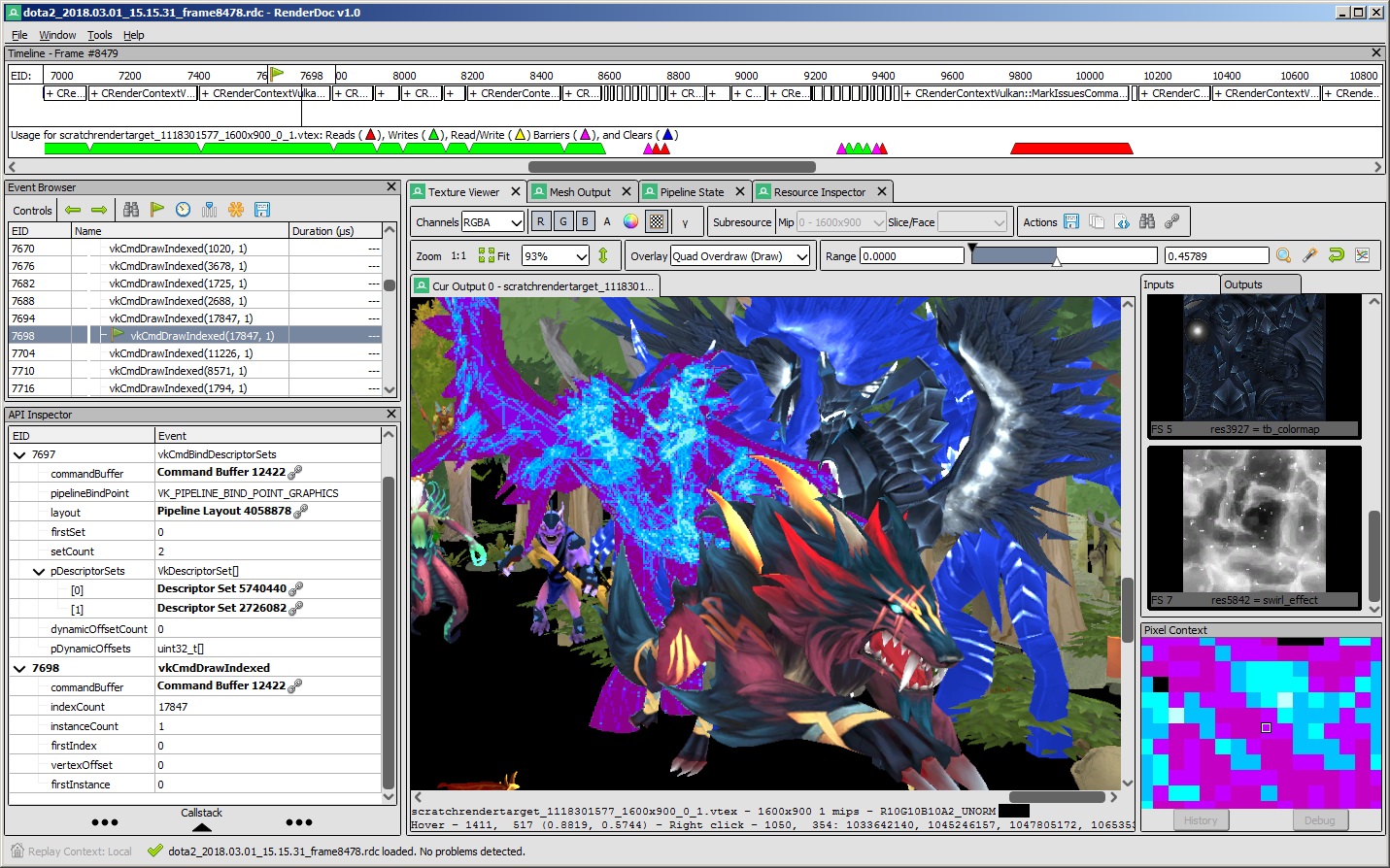
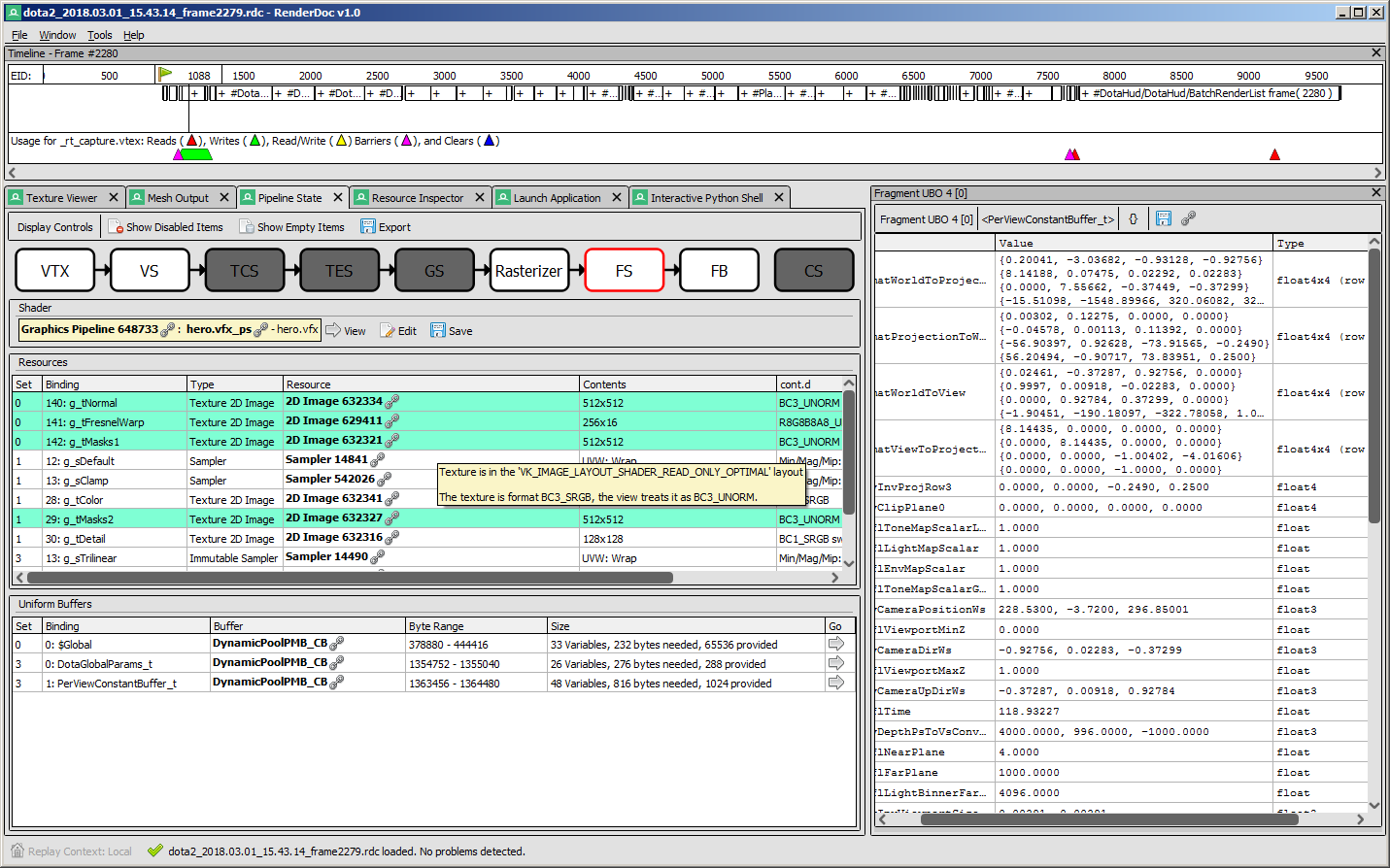
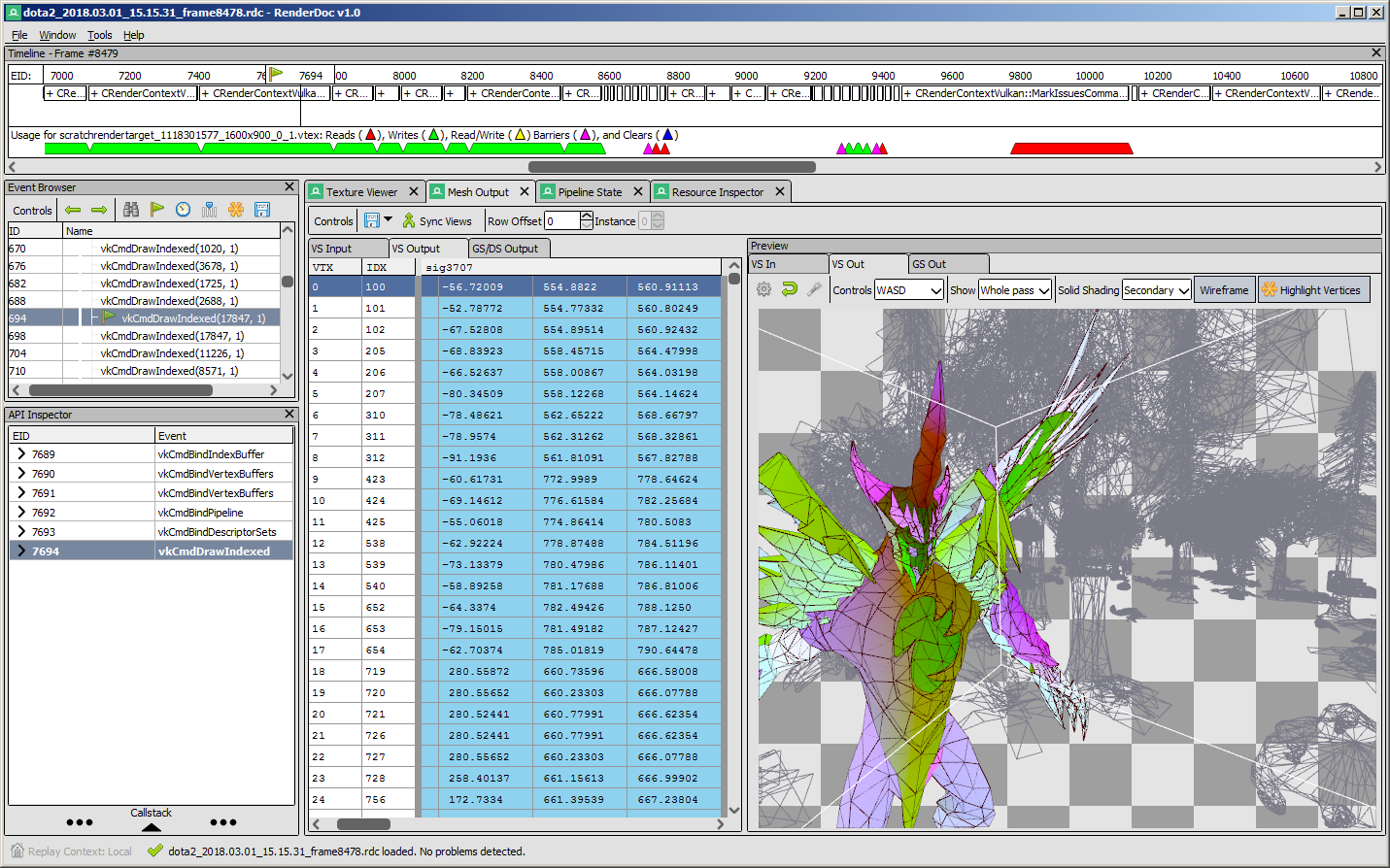
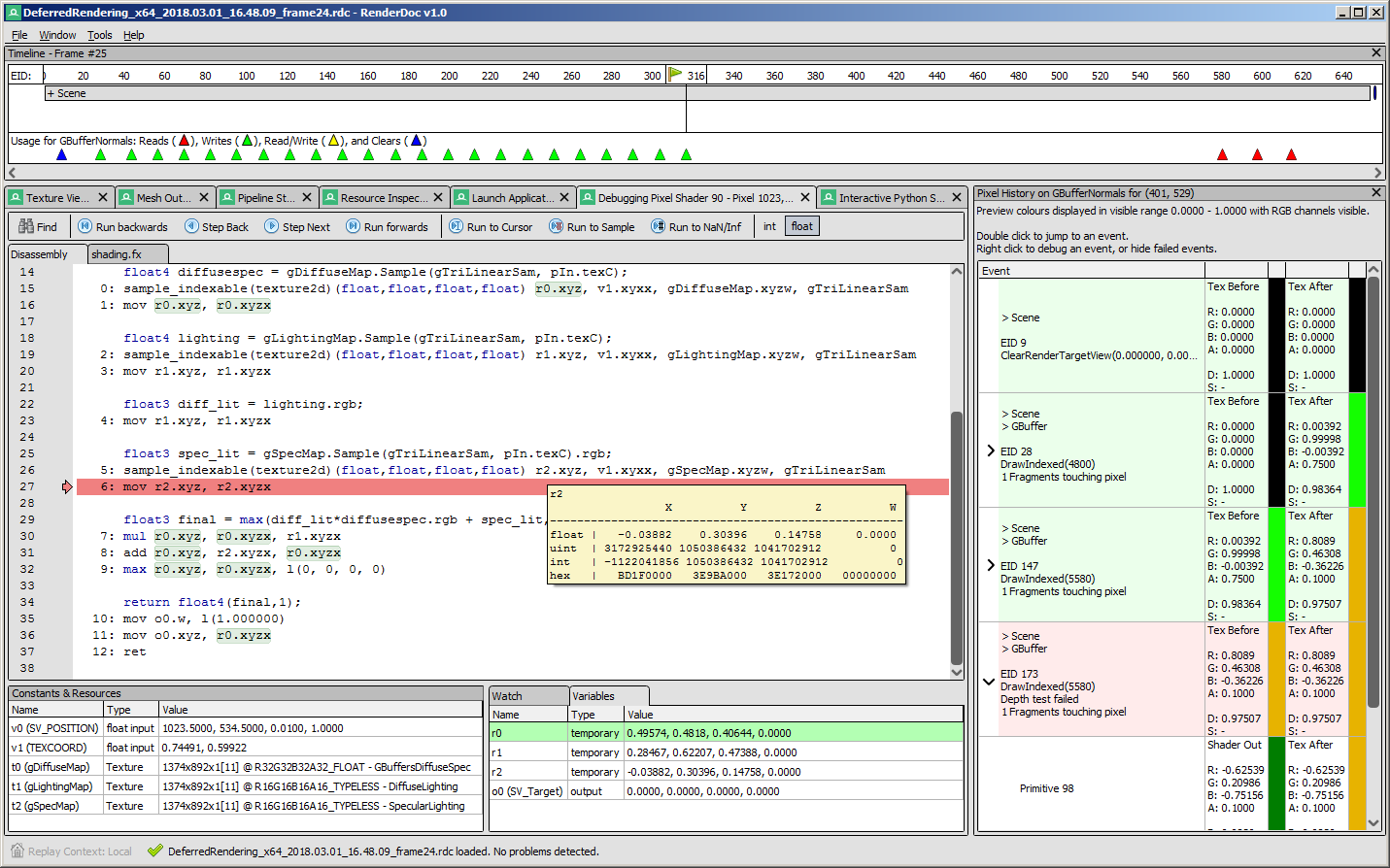
Screenshots
 |
 |
|---|---|
 |
 |
API Support
| Status | Windows | Linux | |
|---|---|---|---|
| D3D11 | Well supported, all features. | ✔️ | ✖️ |
| OpenGL 3.2 core+ | Well supported, most features.* | ✔️ | ✔️ |
| Vulkan | Well supported, most features. | ✔️ | ✔️ |
| D3D12 | Well supported, most features. | ✔️ | ✖️ |
| OpenGL Compatibility, GLES | No immediate plans | ✖️ | ✖️ |
| D3D9 & 10 | No immediate plans | ✖️ | ✖️ |
| Metal | No immediate plans | ✖️ | ✖️ |
- D3D11 has full feature support and is stable & tested. Feature Level 11 hardware is assumed - Radeon 4000/5000+, GeForce 400+, Intel Ivy Bridge, falling back to WARP software emulation if this hardware isn't present.
- *OpenGL is only explicitly supported for the core profile 3.2+ subset of features, check the OpenGL wiki page for details.
- Currently the Qt UI is only used on linux. It is working well with a TODO list of remaining work. Work is on-going for it to replace the .NET UI on windows.
Downloads
There are binary releases available, built from the release targets. If you just want to use the program and you ended up here, this is what you want :).
It's recommended that if you're new you start with the stable builds. Nightly builds are available every day from master branch here if you need it, but correspondingly may be less stable.
Documentation
The text documentation is available online for the latest stable version, as well as in renderdoc.chm in any build. It's built from restructured text with sphinx.
As mentioned above there are some youtube videos showing the use of some basic features and an introduction/overview.
There is also a great presentation by @Icetigris which goes into some details of how RenderDoc can be used in real world situations: slides are up here.
License
RenderDoc is released under the MIT license, see LICENSE.md for full text as well as 3rd party library acknowledgements.
Contributing & Development
Building RenderDoc is fairly straight forward. See CONTRIBUTING.md for more details.
I've added some notes on how to contribute, as well as where to get started looking through the code in CONTRIBUTING.md.