 Jake Turner
b37ed43ba3
Jake Turner
b37ed43ba3
These operations now run on the main thread and not on the Replay thread
* Updating the NSOpenGLContext
* Setting the view property on the NSOpenGLContext
* Getting the window size from the NSView

The specific methods that are run on the main thread are:
* NSOpenGLContext setView
* NSOpenGLContext update
* NSView frame
* NSView convertSizeToBacking
* NSView setWantsBestResolutionOpenGLSurface

These methods are asynchronously dispatched to the main thread using the Apple NSApplication main thread dispatch queue i.e.

dispatch_async(dispatch_get_main_queue(), <method>);

The threading synchronization intent is:
* the Replay does not block waiting for a deferred main thread API to complete
* mutex locks are used to protect containers shared between the main and Replay threads
* the main thread uses a TryLock approach when wanting to acquire the context lock. If the context lock is held by the Replay thread then the main thread reschedules the requested context operation i.e.

if (TryToGetContectLock(context))
{
  [context update];
}
else
{
  scheduleContextUpdate(context);
}

* When scheduling requests to the main thread the NSOpenGLContext and NSView objects are referred to by an index into an array and not by pointer value.

There are two debugging modes which are disabled by default
* RD_THREAD_RANDOM_SLEEP
* RD_USE_CONTEXT_LOCK_COUNTS

Enabling RD_THREAD_RANDOM_SLEEP performs sleeps of random times on both the Replay and main thread when calling the different context and view methods.
RD_THREAD_RANDOM_SLEEP is useful to expose race conditions.

Enabling RD_USE_CONTEXT_LOCK_COUNTS tracks the lock count on the context objects in the "s_ContextLocksCount" container.

The low-level context locking is handled in NSGL_makeCurrentContext which is called from CGLPlatform::MakeContextCurrent which in turn is called from GLReplay::MakeCurrentReplayContext.

The currently locked context is tracked in TLS storage and the currently locked context is unlocked before locking the new context and then setting the current context TLS value.




RenderDoc is a frame-capture based graphics debugger, currently available for Vulkan, D3D11, D3D12, OpenGL, and OpenGL ES development on Windows 7 - 10, Linux, Android, Stadia, and Nintendo Switch™. It is completely open-source under the MIT license.
If you have any questions, suggestions or problems or you can create an issue here on github, email me directly or come into IRC or Discord to discuss it.
To install on windows run the appropriate installer for your OS (64-bit | 32-bit) or download the portable zip from the builds page. The 64-bit windows build fully supports capturing from 32-bit programs. On linux there is a binary tarball available, or your distribution may package it. If not you can build from source.
- Downloads: Stable and nightly builds: https://renderdoc.org/builds ( Symbol server )
- Documentation: HTML online, CHM in builds, Videos
- Contact: baldurk@baldurk.org, #renderdoc on freenode IRC, Discord server
- Code of Conduct: Contributor Covenant
- Information for contributors: All contribution information, Compilation instructions, Roadmap
- Community extensions: Extensions repository
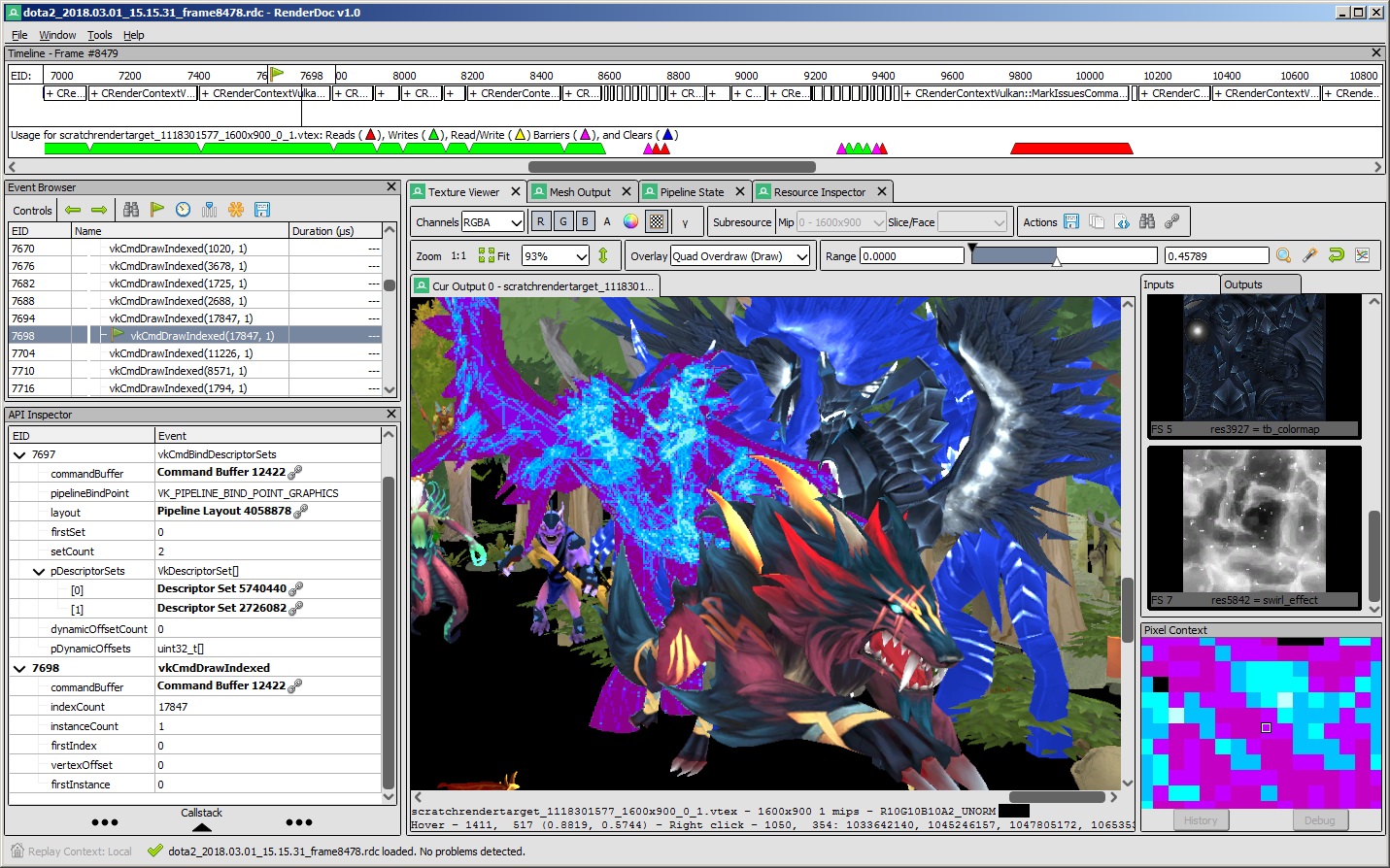
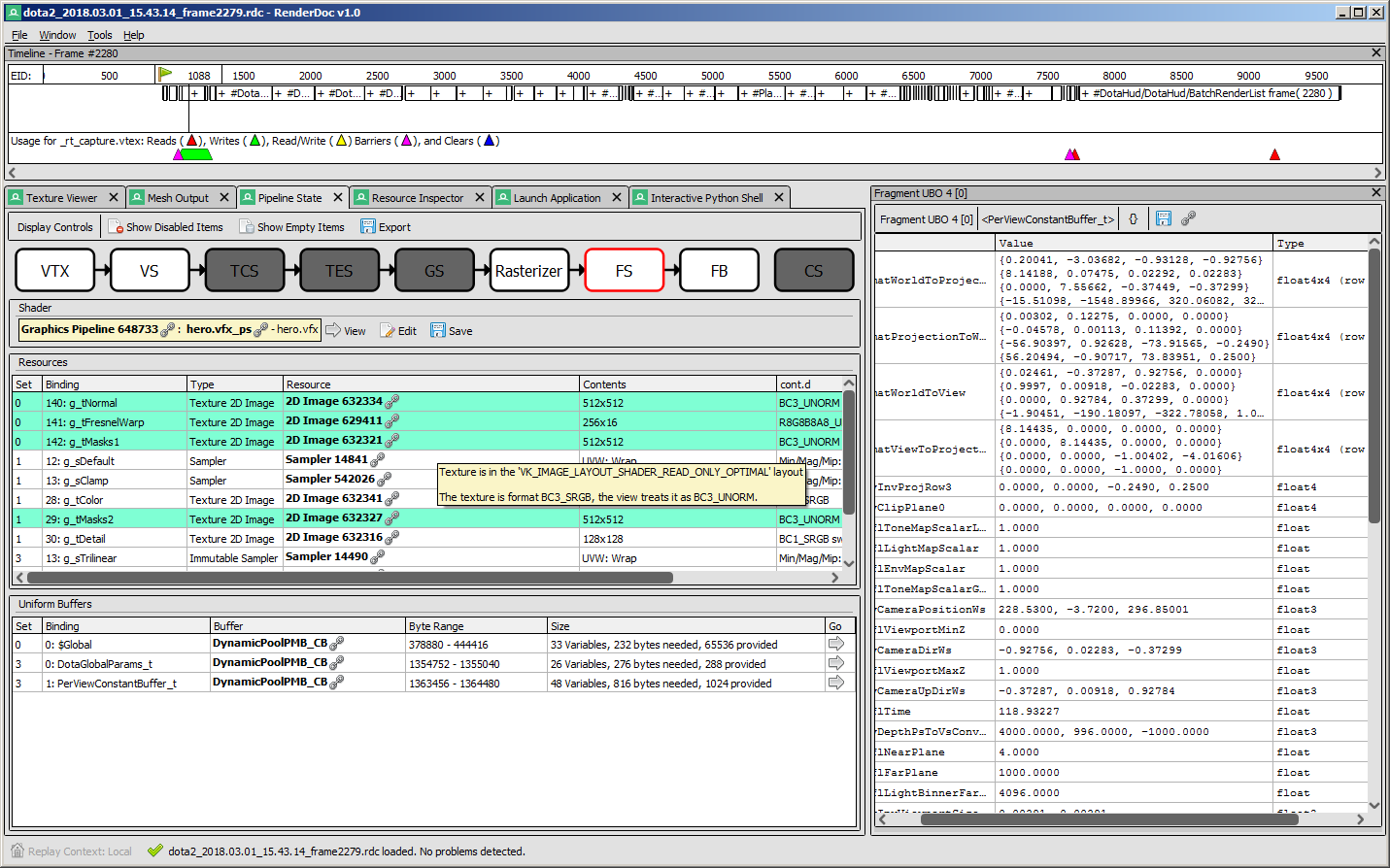
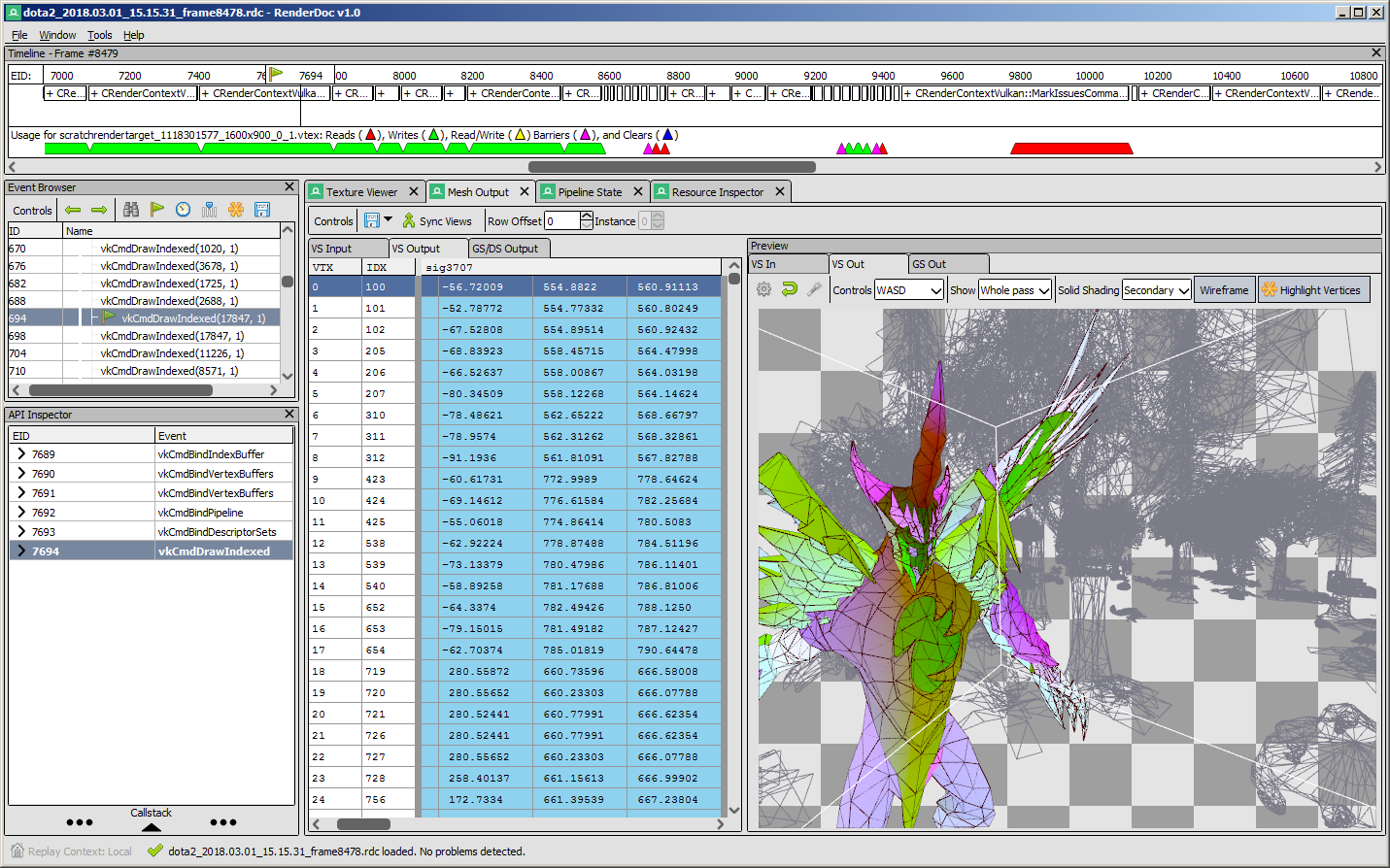
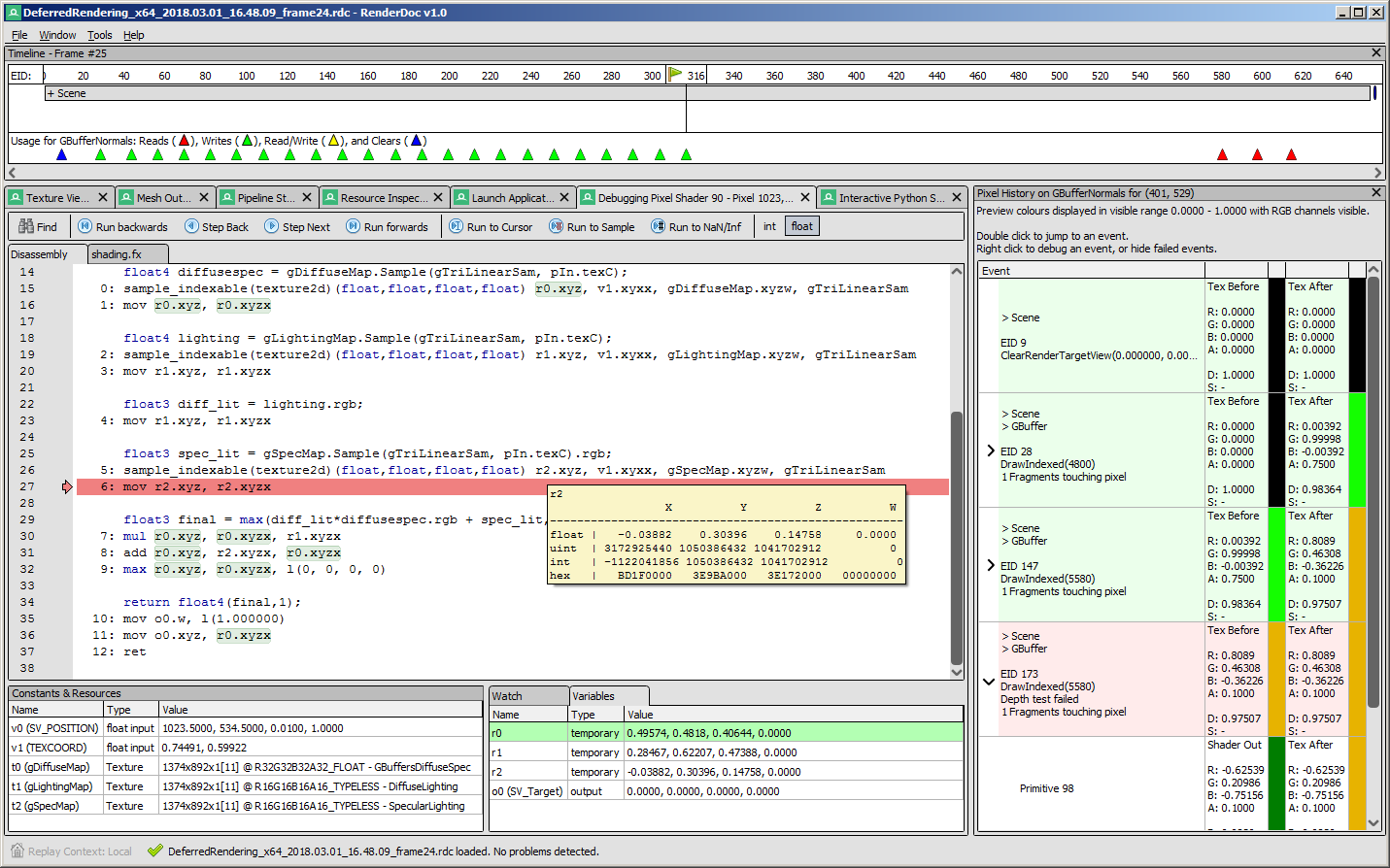
Screenshots
 |
 |
|---|---|
 |
 |
API Support
| Windows | Linux | Android | Stadia | |
|---|---|---|---|---|
| Vulkan | ✔️ | ✔️ | ✔️ | ✔️ |
| OpenGL ES 2.0 - 3.2 | ✔️ | ✔️ | ✔️ | N/A |
| OpenGL 3.2 - 4.6 Core | ✔️ | ✔️ | N/A | N/A |
| D3D11 & D3D12 | ✔️ | N/A | N/A | N/A |
| OpenGL 1.0 - 2.0 Compat | ✖️ | ✖️ | N/A | N/A |
| D3D9 & 10 | ✖️ | N/A | N/A | N/A |
| Metal | N/A | N/A | N/A | N/A |
- Nintendo Switch™ support is distributed separately for authorized developers as part of the NintendoSDK. For more information, consult the Nintendo Developer Portal.
Downloads
There are binary releases available, built from the release targets. If you just want to use the program and you ended up here, this is what you want :).
It's recommended that if you're new you start with the stable builds. Nightly builds are available every day from the v1.x branch here if you need it, but correspondingly may be less stable.
Documentation
The text documentation is available online for the latest stable version, as well as in renderdoc.chm in any build. It's built from restructured text with sphinx.
As mentioned above there are some youtube videos showing the use of some basic features and an introduction/overview.
There is also a great presentation by @Icetigris which goes into some details of how RenderDoc can be used in real world situations: slides are up here.
License
RenderDoc is released under the MIT license, see LICENSE.md for full text as well as 3rd party library acknowledgements.
Compiling
Building RenderDoc is fairly straight forward on most platforms. See Compiling.md for more details.
Contributing & Development
I've added some notes on how to contribute, as well as where to get started looking through the code in Developing-Change.md. All contribution information is available under CONTRIBUTING.md.